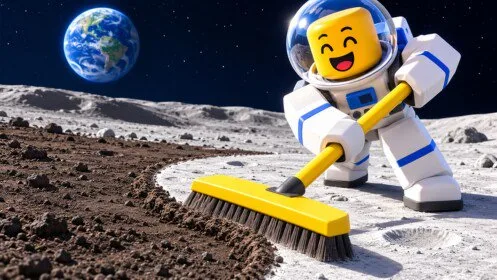
Read in this order
Start with the sell pad, then open the upgrade board you actually have. Robots and Lunar Blocks come after that loop pays. Skip any page that mentions a toothbrush supply wall, Steam depots, or a different Roblox place.
Which [🎃] Clean the Moon! guides are published?
First sell loop
Sweep until the tank warning, walk onto the sell pad, then spend the cash on the limit you actually hit.
Upgrade choices from the boards you can open
Match the next purchase to a full tank, a slow stroke, or a long walk, and treat every dollar figure as a snapshot.
Robots, drones, and the two prices on a bay
A bay upgrade and a separate buy button are different purchases. Read both prices before you spend.
Lunar base and the Lunar Blocks panel
The base is an official build-and-expand goal. The Lunar Blocks screen shows placement, not a finished blueprint.
Moon dust, space junk, and meteor debris
All three are named cleanup materials. None has a published per-item price or a private tool.
Raids and the Halloween update window
UFO and Goblin raids appear in gameplay footage. A public schedule also lists a Halloween update with an end time.
Playing with friends
The developer says friends clean faster together. Servers are listed at 20 players. Shared-wallet rules are not published.
Make sure you are in the Lunarlit Works experience
Similar names point at a Steam game and a second Roblox place. This wiki follows one official page only.